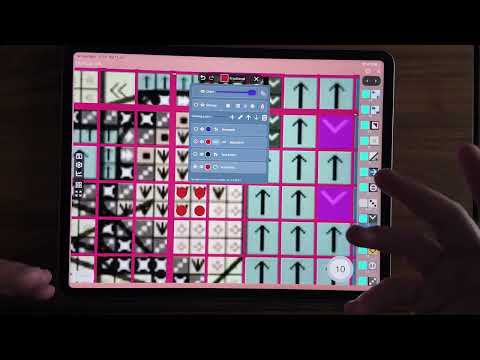
Video walkthroughs of Markup R-XP, recorded for testers and grouped by task. Each entry has a short summary and a thumbnail. Tap the thumbnail to watch the video on YouTube.


The Videos

Getting Around the App

Home Screen Overview (5:03): A tour of the Home screen: your current project card, recent projects, statistics and dates, exporting, renaming, adding new projects and restoring from a backup.
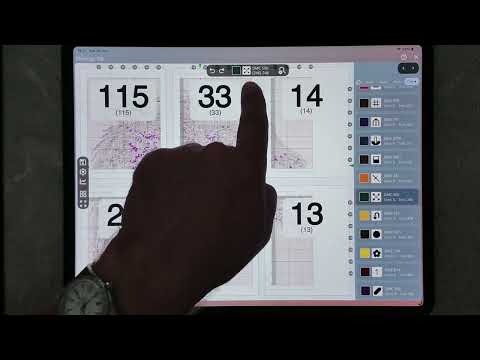
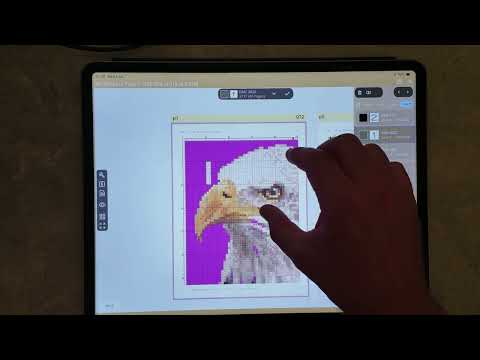
Markup Screen Overview (9:40): A look around the markup screen where you mark off your stitches: the chipsets, the symbol panel and the everyday marking tools.

-o0o-

Loading a PDF Chart

Autoloader Happy Path (11:16): Loading a PDF pattern that sails straight through the setup steps, from picking the file to marking your first stitch.
Configure PDF Step (4:58): A quick overview of the Configure PDF step: add, remove, rotate and reorder your document's pages before setup begins.
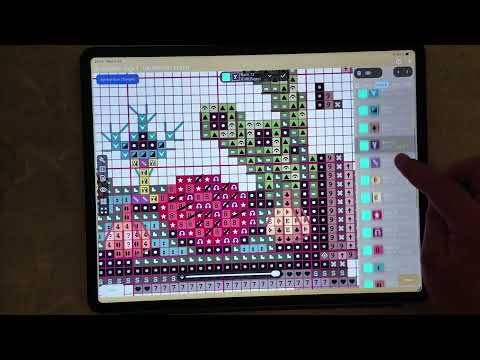
Setting Up Symbols, Part 1 (16:18): How to set up the symbols on a simple chart, step by step.
Erase Mode (8:42): Using erase mode to clean unwanted content off a chart so the app reads it correctly.

-o0o-

Working From Photos and Images

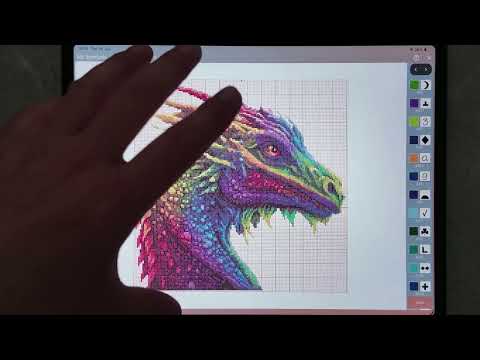
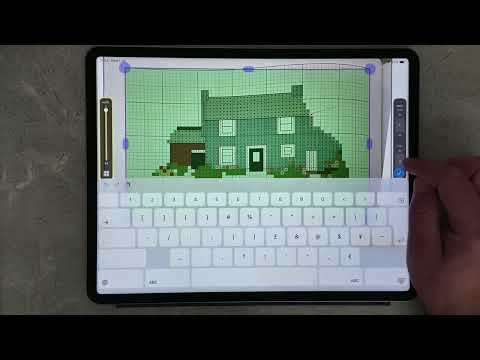
Straighten Up a Chart Image (12:16): Importing a photographed chart from a book and straightening it up ready for use in the app.
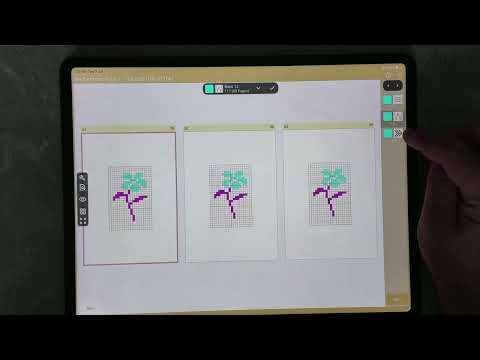
Split an Image File (6:52): Splitting one large chart image into smaller pages that are easier to work with.

-o0o-

Marking Off Your Stitches

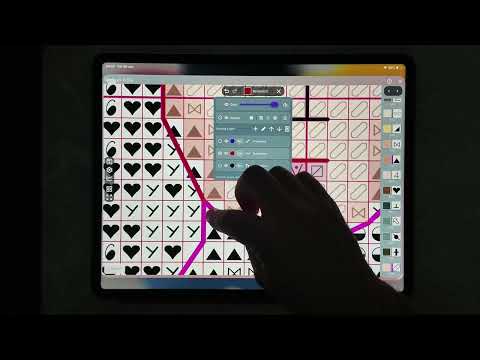
Backstitch Overview (9:35): The options for marking off backstitch on your patterns.
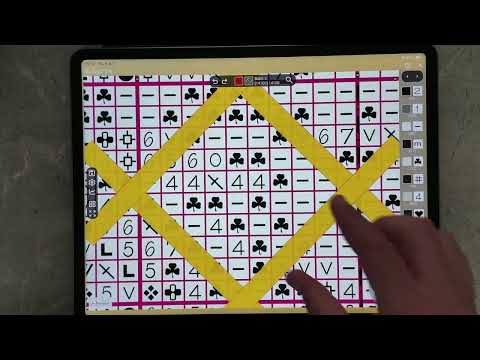
Guide Bars (10:08): Straight and diagonal guide bars, thickness and colours, and restricting the chart to a guide region.
Assign Blank Cells (3:38): How to assign a colour to empty grid cells. The picture is a little soft in places; a sharper re-record is planned.

-o0o-

Special Projects

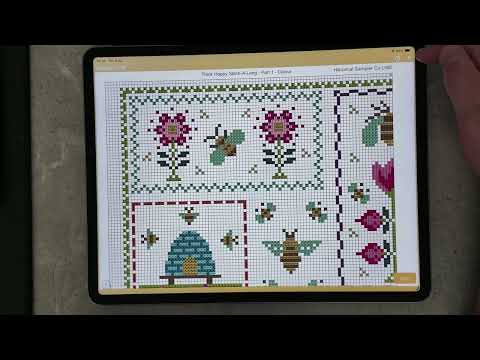
SAL Projects (8:24): One way to handle stitch-alongs: updating the pages in an existing Markup R-XP project as new parts are released.
Diamond Painting PDF (5:59): Creating a custom PDF of your cross stitch chart to use as the base format for diamond painting.
Chatelaine Updates (7:54): Updates to the thread manufacturers, plus the new dab and triangle drawing options on the markup step.

Good to Know

  • These videos are unlisted on YouTube, so they will not appear in searches. Keep this page handy as your way in.
  • The app is still being polished, so a few screens may look slightly different from the videos.
  • Still stuck? Ask in the Markup R-XP Facebook group.